Table of contents
- Why Follow Up on Abandoned Carts?
- Email as the Main Channel
- What Should an Abandoned Cart Email Include?
- When Should You Send the Emails?
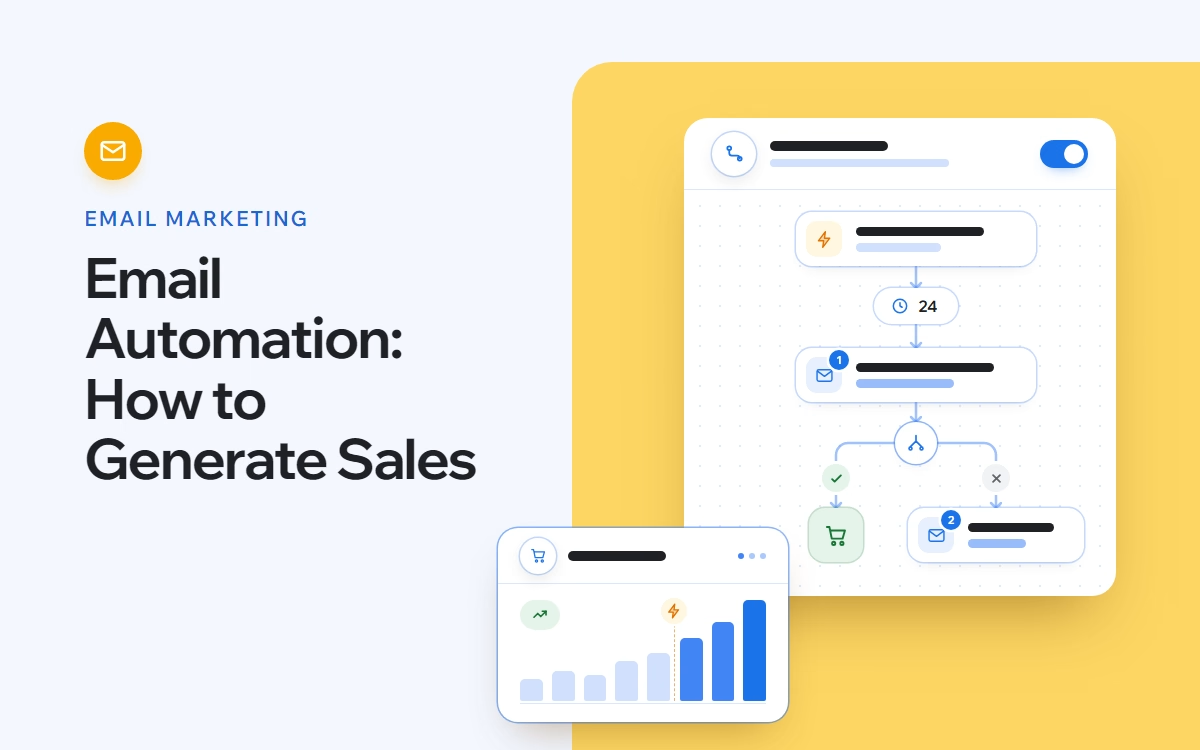
- Example Abandoned Cart Email Flow
- Where Does SMS Fit?
- Combining Email and SMS
- How to Improve the Flow
- What Should You Measure?
- What to Review Over Time
- Abandoned Carts Are Not Always Lost Sales
A customer finds a product they like, adds it to the cart and leaves the website without completing the order.
This happens frequently in eCommerce, and it doesn’t always mean the customer has decided not to buy. They may have been interrupted, wanted more time to think or simply left the purchase for later.
They have already shown interest in the product. An Abandoned Cart flow helps you follow up with them automatically and bring them back to the order they started.
The first email may simply remind them what they left behind. Later emails can include reviews, answer common questions or introduce an offer. SMS can also be added to the sequence when it makes sense.
Why Follow Up on Abandoned Carts?
There is a difference between someone who browses the website and someone who adds a product to their cart.
The second customer has already considered the product and taken another step towards buying it. The order isn’t complete, but the interest is there.
That makes abandoned carts worth following up on.
Automated emails allow you to contact these customers again without having to track each cart manually. Depending on the setup, SMS can also be added to the sequence.
Email as the Main Channel
Email works particularly well for abandoned carts because it gives you enough space to show the products again and provide information the customer may need before purchasing.
It is also relatively inexpensive to run once the automation is set up.
An Abandoned Cart email can include:
- the products left in the cart;
- product images and prices;
- a direct link back to the cart;
- customer reviews;
- information about delivery, payment and returns;
- an offer or discount later in the sequence.
The content doesn’t need to be the same in every email. A simple reminder may be enough at first, while later messages can provide more information.
What Should an Abandoned Cart Email Include?
Start with a Clear Subject Line
The subject line should tell the customer why they are receiving the email without trying too hard to sell.
For example:
- You left something in your cart
- Still thinking it over?
- Your cart is waiting
- Almost yours
Different versions can be tested to see which ones lead to more opens, clicks and completed orders.
Show What They Left Behind
Include the products already added to the cart.
Use the product image, name and price so the customer immediately knows what the email refers to.
Add a button that takes them directly back to their cart. They shouldn’t have to find the products again.
Add Reviews
Reviews can be useful for customers who are still deciding.
Choose feedback that says something useful about the product rather than adding reviews simply to have them in the email.
If customers regularly ask about quality, sizing or how a product works in practice, reviews that address those points are more useful than a generic five-star rating.
Answer Common Questions
Some customers stop before ordering because they still need practical information.
For example:
- How much does delivery cost?
- When will the order arrive?
- Can the product be returned?
- Which payment methods are available?
- Is the payment secure?
If the same questions regularly come up before a purchase, include the answers in one of the emails.
Leave the Discount for Later
A discount doesn’t need to be the first reason you give someone to return.
Start with a reminder.
If the customer still hasn’t purchased after the first emails, an offer can be introduced later – for example, in the third or fourth email.
This gives customers who were already planning to return the chance to complete the purchase at the original price.
When Should You Send the Emails?
The first reminder should arrive while the product and the decision are still fresh.
A practical starting point is:
- Email 1: within 1–2 hours after the cart is abandoned;
- Following emails: approximately 24 hours apart;
- Full sequence: up to 4–5 emails.
The timing can be adjusted later based on how customers respond.
A sequence of five emails also doesn’t mean sending the same reminder five times. The content should develop from one message to the next.
Example Abandoned Cart Email Flow
Email 1 – Reminder
When: 1–2 hours after cart abandonment
Remind the customer about the products they selected and link directly back to the cart.
At this stage, there is usually no need for a long email or an immediate discount.
Email 2 – Reviews and FAQ
When: around 24 hours later
Add customer reviews and answer common questions about delivery, returns, payment or the product itself.
The customer already knows what is in their cart, so this email can focus on information that may help them decide.
Email 3 – Product Benefits and Reviews
When: around 24 hours later
Add more information about the product, its benefits and relevant customer feedback.
Avoid simply rewriting the first reminder.
Email 4 – Offer or Discount
If an offer is part of the flow, it can be introduced at this stage.
By now, the customer has already received the initial reminders, so the discount isn’t being used as the first response to an abandoned cart.
Email 5 – Final Reminder
Send one final reminder with a direct link back to the cart.
If the offer has a real deadline, include it here.
Where Does SMS Fit?
SMS can be used alongside email when you have the customer’s consent to contact them through this channel.
Keep it short.
An SMS can work well:
- as a quick cart reminder;
- before an offer expires;
- when product availability is limited;
- when the customer needs a direct link back to the cart.
For example:
You left something in your cart. You can complete your order here: [link]
If an offer expires or stock is limited, that information can also be included.
For most abandoned carts, one SMS is enough. Several SMS reminders for the same cart can quickly become excessive.
Combining Email and SMS
Email and SMS can be included in the same automation.
For example:
| Timing | Message | Content |
|---|---|---|
| +60 min | SMS | Short reminder + link to cart |
| +30 min | Email 1 | Products left in the cart |
| +22 hrs | Email 2 | Reviews + FAQ |
| +24 hrs | Email 3 | Product benefits + reviews |
| Later | Email 4 | Offer or discount |
| Final step | Email 5 | Final reminder + CTA |
There is no need to repeat the same message across both channels.
The SMS can be kept short, while the emails can provide the product information, reviews and answers that need more space.
How to Improve the Flow
Once enough customers have gone through the automation, you can start comparing different versions and looking at where the sequence can be improved.
A/B Testing
Test elements such as:
- subject lines;
- email design;
- email length;
- CTA wording;
- offer a copy.
Change one main element at a time whenever possible.
If the subject line, design and offer all change in the same test, you won’t know which change affected the result.
Segmentation
Customers can also receive different messages depending on:
- cart value;
- products or categories;
- customer behavior;
- previous orders.
A returning customer, for example, may respond differently from someone who has never purchased from the store.
Segmentation is most useful when the difference between the groups changes what you want to say to them.
What Should You Measure?
Open rate and CTR help you understand whether customers open the emails and return to the website.
For an Abandoned Cart flow, also look at what happens after the click.
| Metric | What to Look At |
|---|---|
| Open Rate | How many recipients open the email |
| CTR | How many click through to the website or cart |
| Conversion Rate | How many complete the intended action |
| Recovered Orders | Orders completed after entering the flow |
| Revenue | Revenue attributed to the automation |
Review each email separately as well.
If most recovered orders come from Email 1 and Email 2, while the later emails contribute very little, you can use that information when adjusting the sequence.
The same applies to testing. More openings are useful only if they also help move customers closer to completing the order.
What to Review Over Time
An Abandoned Cart flow shouldn’t remain unchanged simply because it is already running.
Look at:
- whether the timing still works;
- which emails generate the most orders;
- where clicks or conversions start to drop;
- whether reviews or FAQs improve the result;
- whether an offer changes the number of completed orders;
- how different customer segments respond;
- whether SMS contributes additional orders.
These are practical questions you can answer from the performance of the flow itself.
Abandoned Carts Are Not Always Lost Sales
A customer who leaves a product in the cart has already shown interest in buying it.
A reminder may be enough to bring some of those customers back. Others may need more information, a review that answers a question or, later in the sequence, an offer.
Start with the cart and make it easy to return.
Use the following emails to add information rather than repeat the first message. Add SMS where it is useful. Test different versions and keep an eye on completed orders and revenue, not only email engagement.
Before activating the flow, check that:
- the first email is scheduled within 1–2 hours;
- the products left in the cart are shown correctly;
- the CTA takes the customer directly back to the cart;
- later emails include useful reviews or FAQs;
- the discount isn’t automatically included in the first email;
- each email adds something to the sequence;
- SMS, if used, doesn’t simply repeat the email;
- open rate, CTR, conversions, orders and revenue are being tracked;
- A/B tests are set up so you can understand what actually changed the result.